
下面就简单分享下如何利用“Nano Banana”照片生成手办模型图片!
“Nano Banana”真身是谷歌的Gemini 2.5 Flash Image 模型
照片生成手办图教程
1.浏览器搜索 lmarena.ai
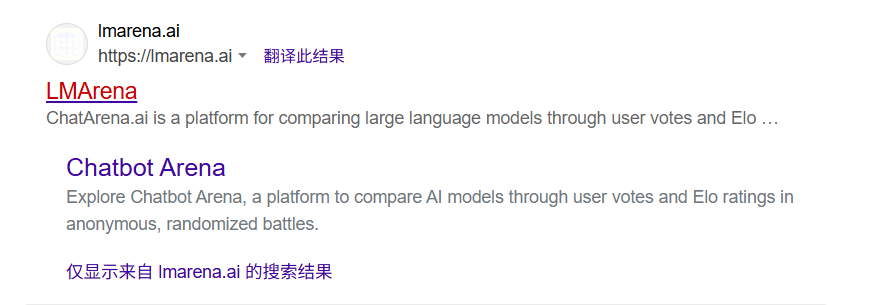
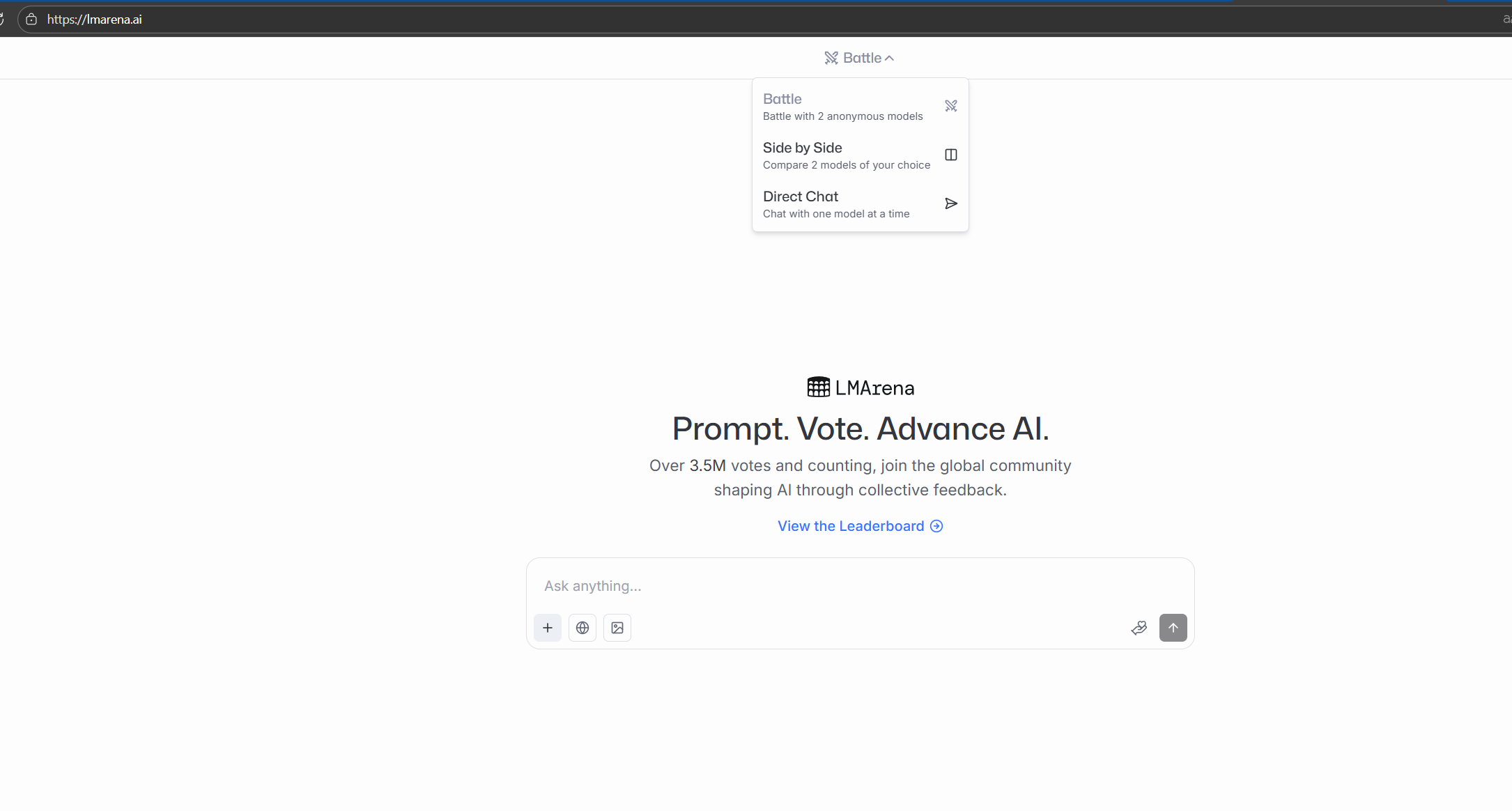
2.选择direct chat
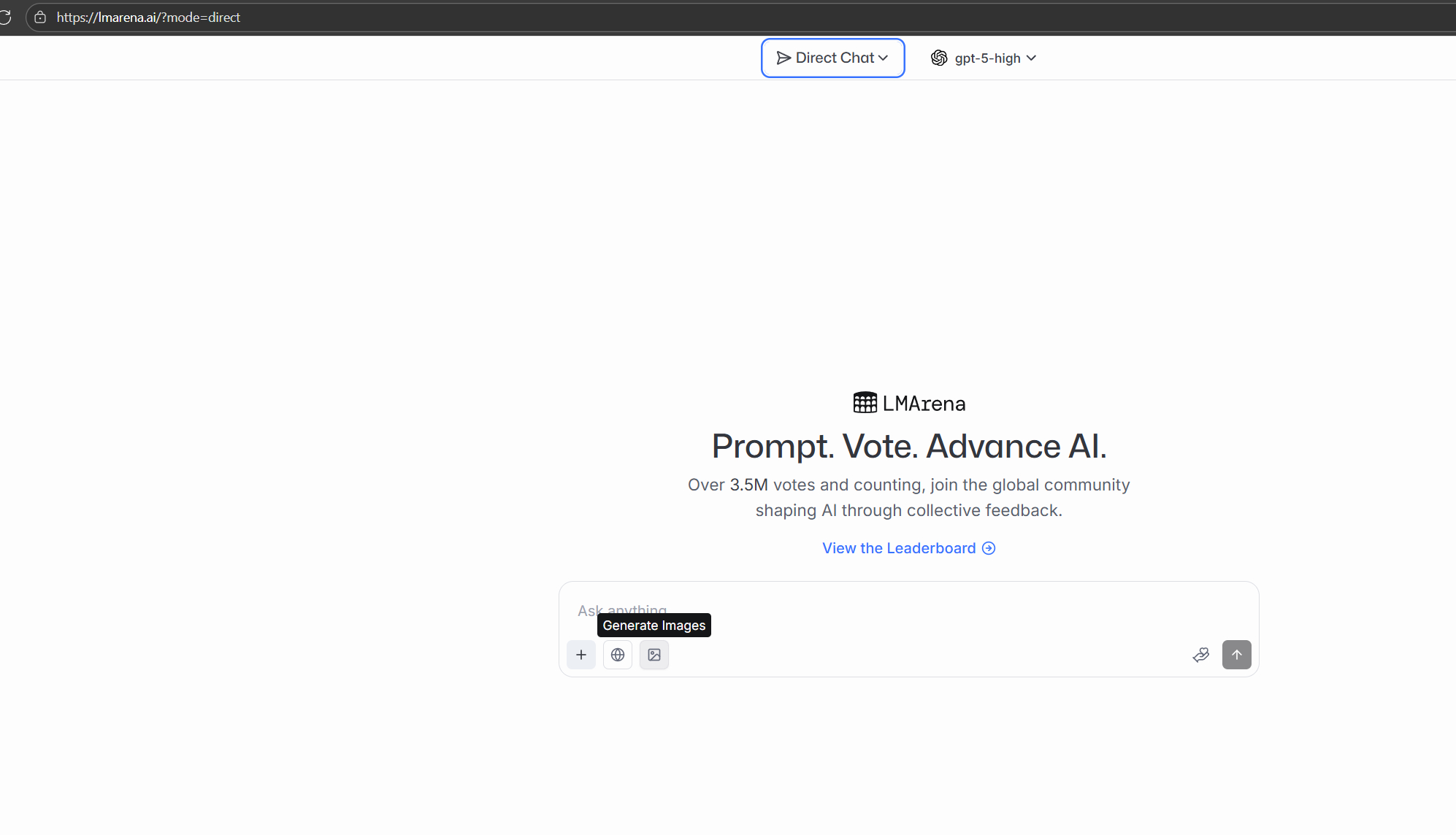
3.下面选择图片
4.选择模型gemini-2.5就是nano banana了
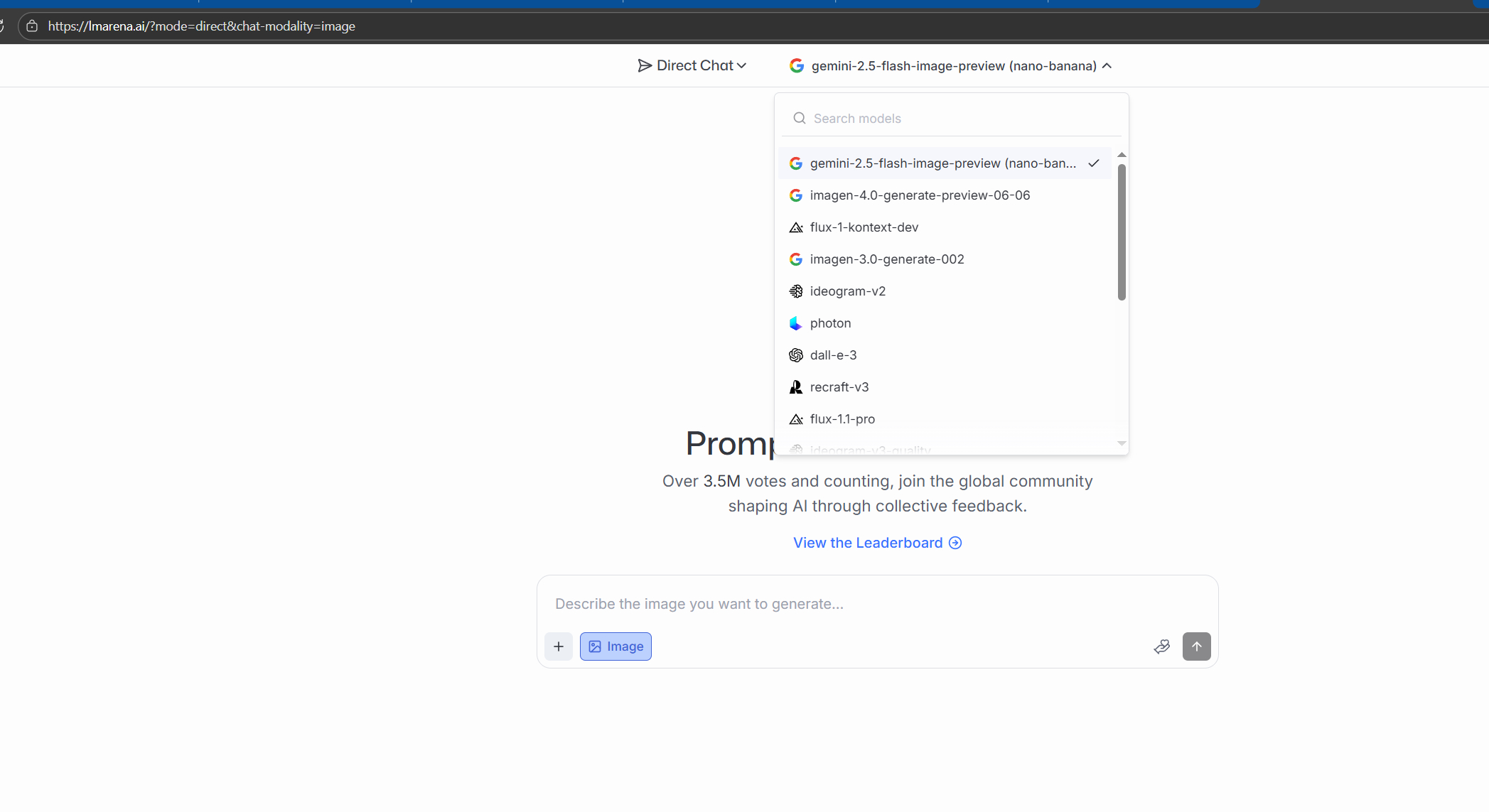
提示词尽量使用英文,生成图片有时会卡住,重新生成就行了
参考提示词1:
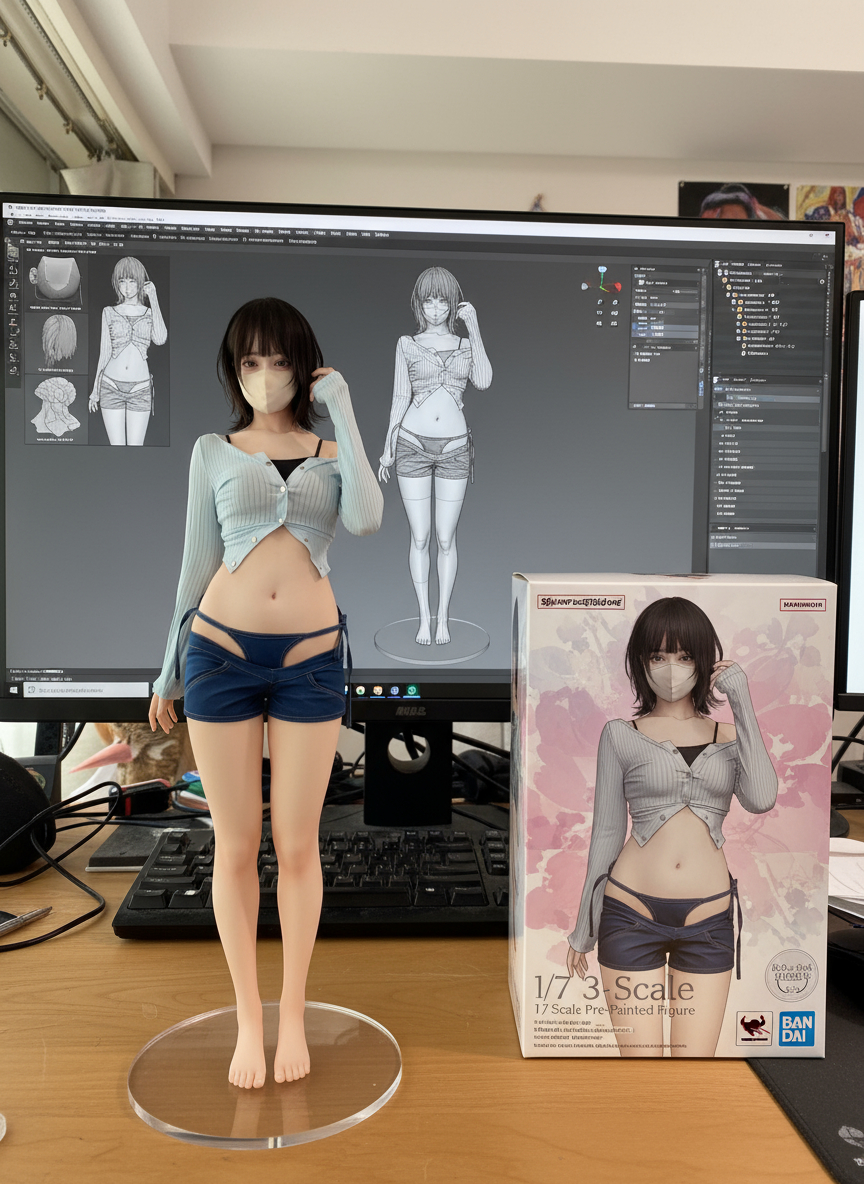
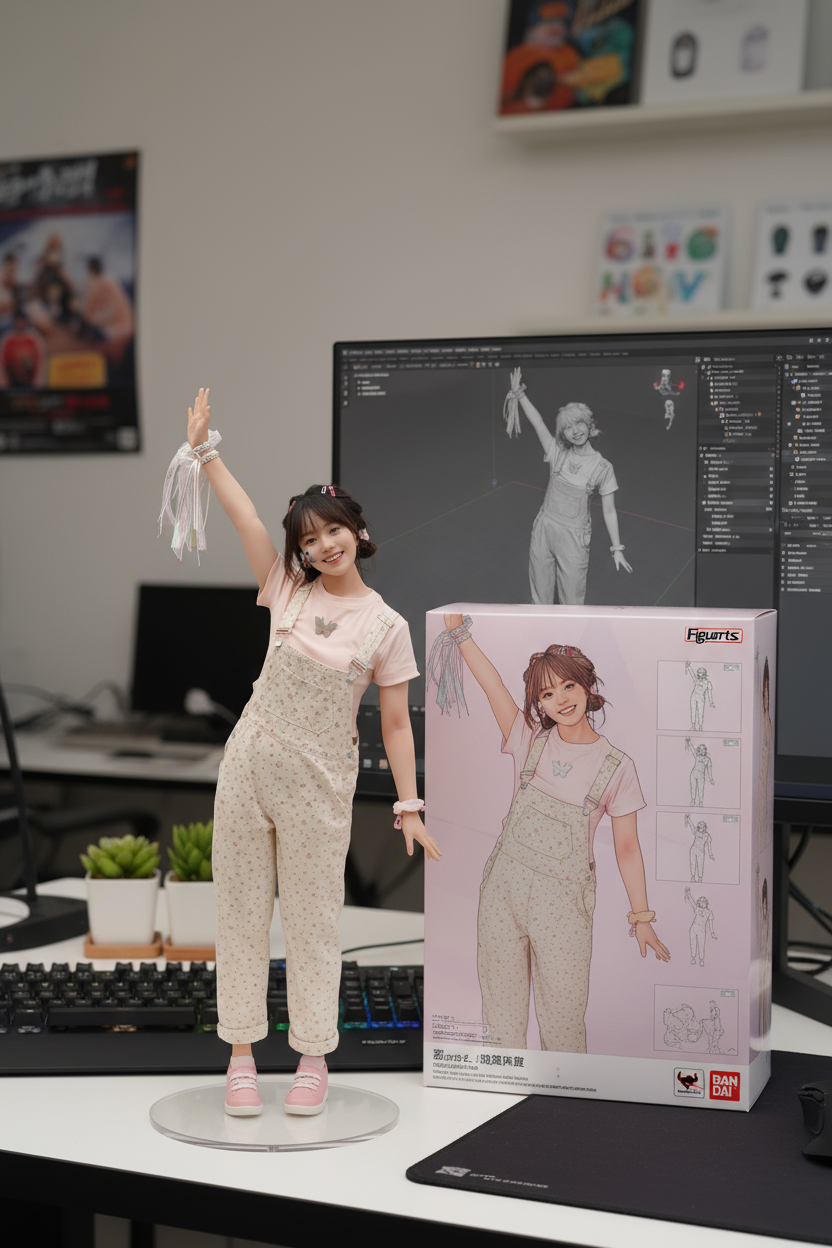
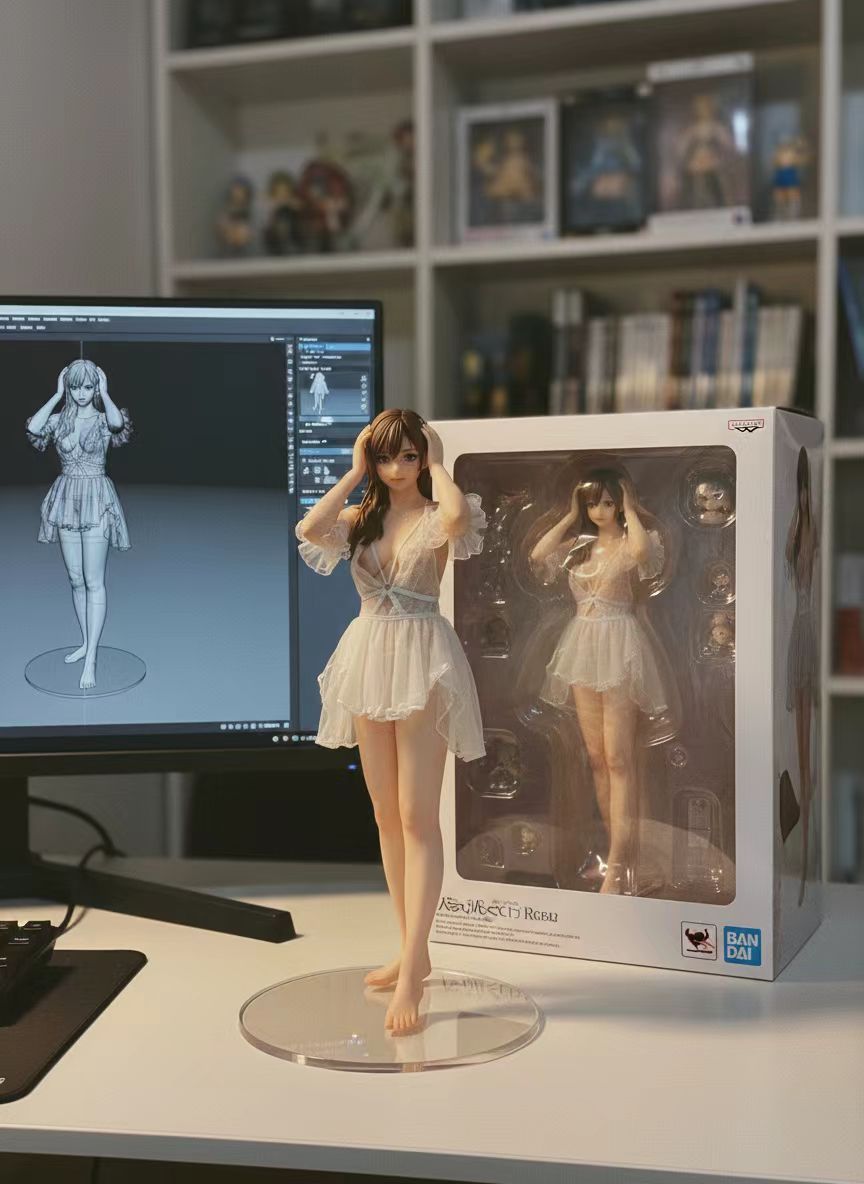
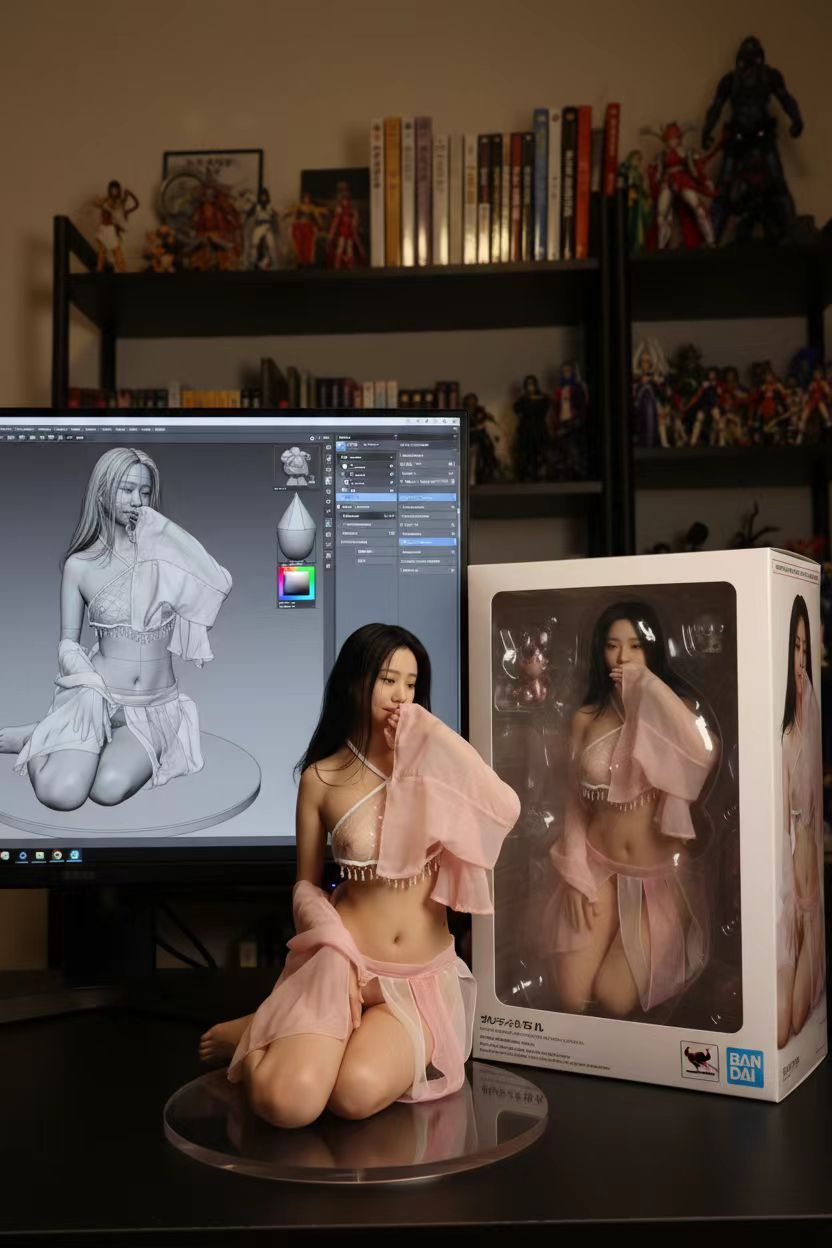
Please turn this photo into a character figure. Behind it, place a box with the character’s image printed on it .Next to it, add a computer with its screen showing the Blender modeling process. In front of the box, add a round plastic base for the figure and have it stand on it. The PVC material of the base should have a crystal-clear, translucent texture, and set the entire scene indoors.参考提示词2:
a hyper-detailed, realistic 1/7 scale action figure of the character from the provided illustration, posed dynamically on a computer desk. The posture, clothing are exactly as in the photo.
The figure stands on a circular, crystal-clear acrylic base (no text or logos).
A modern computer desk. On the left side of the desk, a monitor screen vividly displays the ZBrush software interface, showing the 3D model of the same figure in a mid-sculpting phase (visible wireframe and clay renders).
Background, on the right side of the desk: A BANDAI-style window box packaging with a vinyl window see-through the figure. The box is pristine and features high-quality print of the original character artwork on the front. The box is slightly angled to show its 3D form.
extremely high detail, depth of field. Set the entire scene indoors, the environment should feel like a professional figure collector’s personal workspace with a beautiful environment.
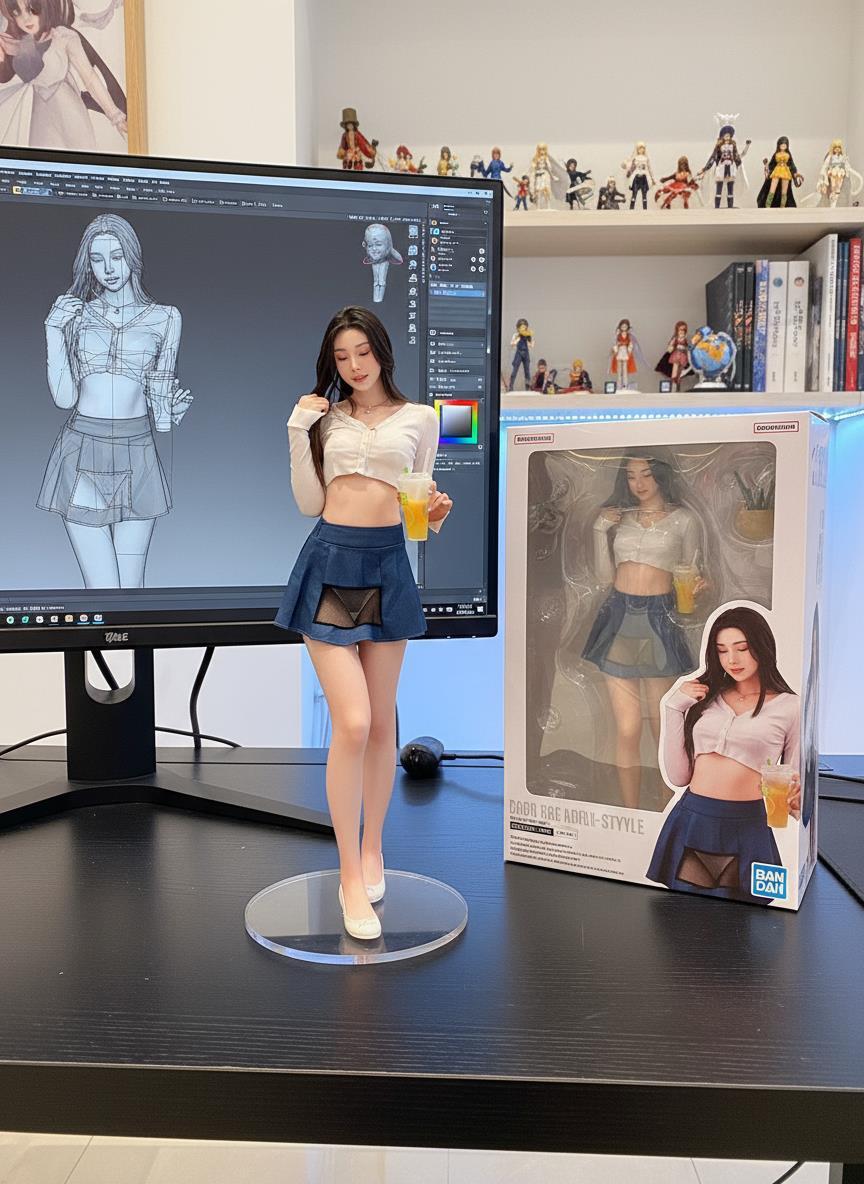
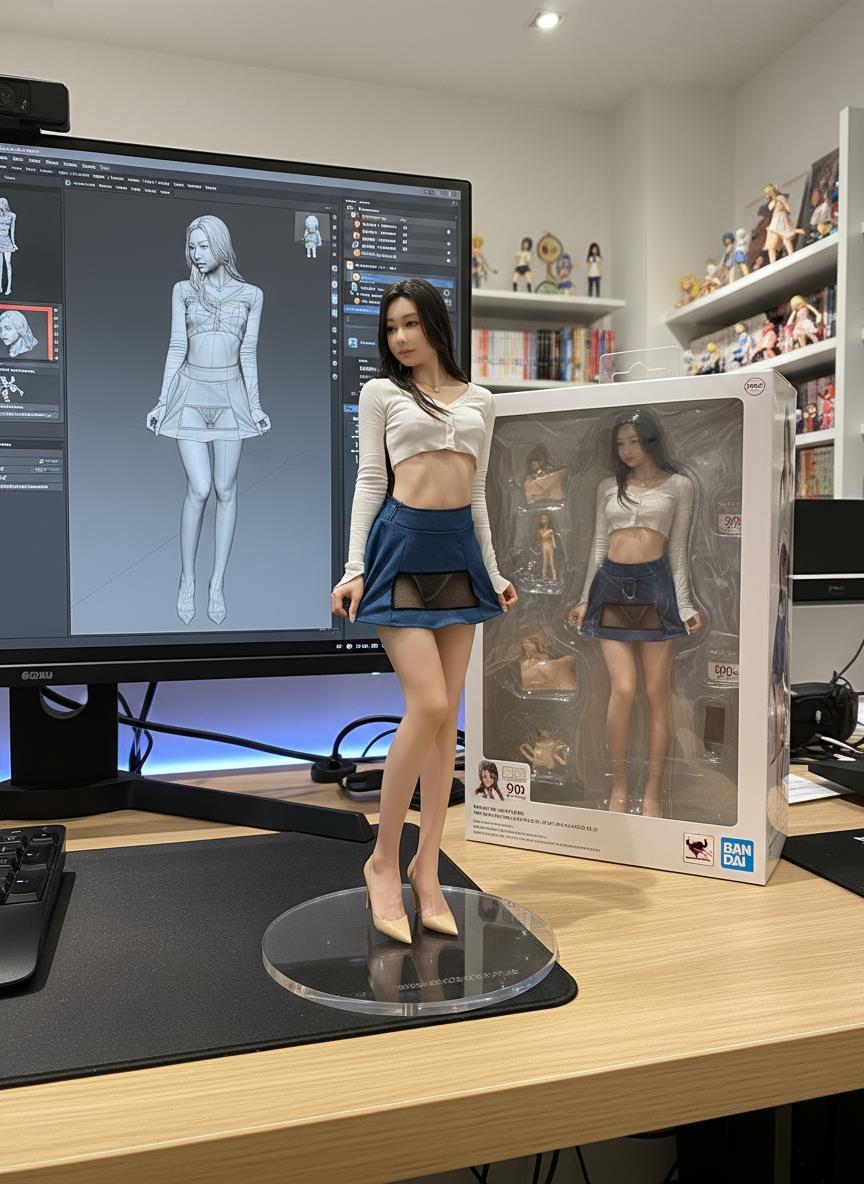
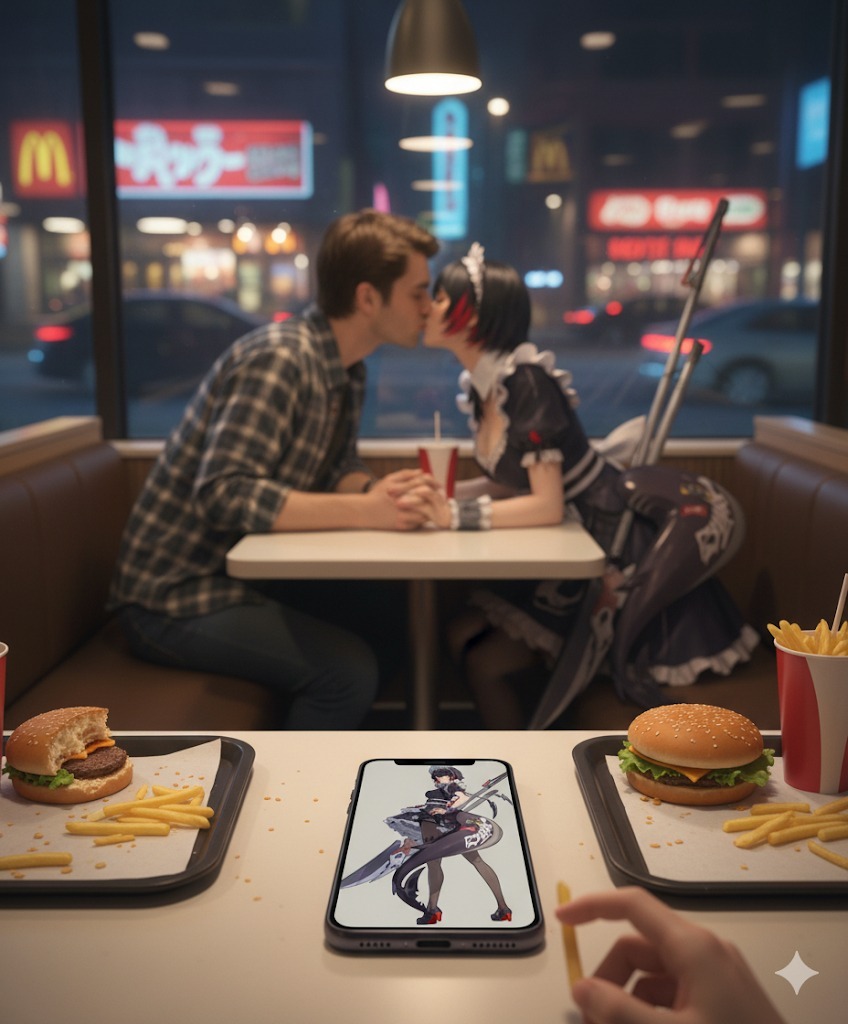
下面是一些生成效果图,大家感受一下!


评价 暂无评论
打分后这里会出现分布
还没有人评价过这个站
你的一句话,会成为下一个人的判断依据。不知道从哪写?点一个: